Muninn Logo Processing Pipeline
Initial logo design came from generating a logo using Google's Nano Banana.
The problem is that is had a white background and I wanted the background transparent.
I am NOT going to keep hitting nano banana with that refinement requirement when there are free models and offline tooling to get there.
Source image: muninn_20260212_005558_0.png
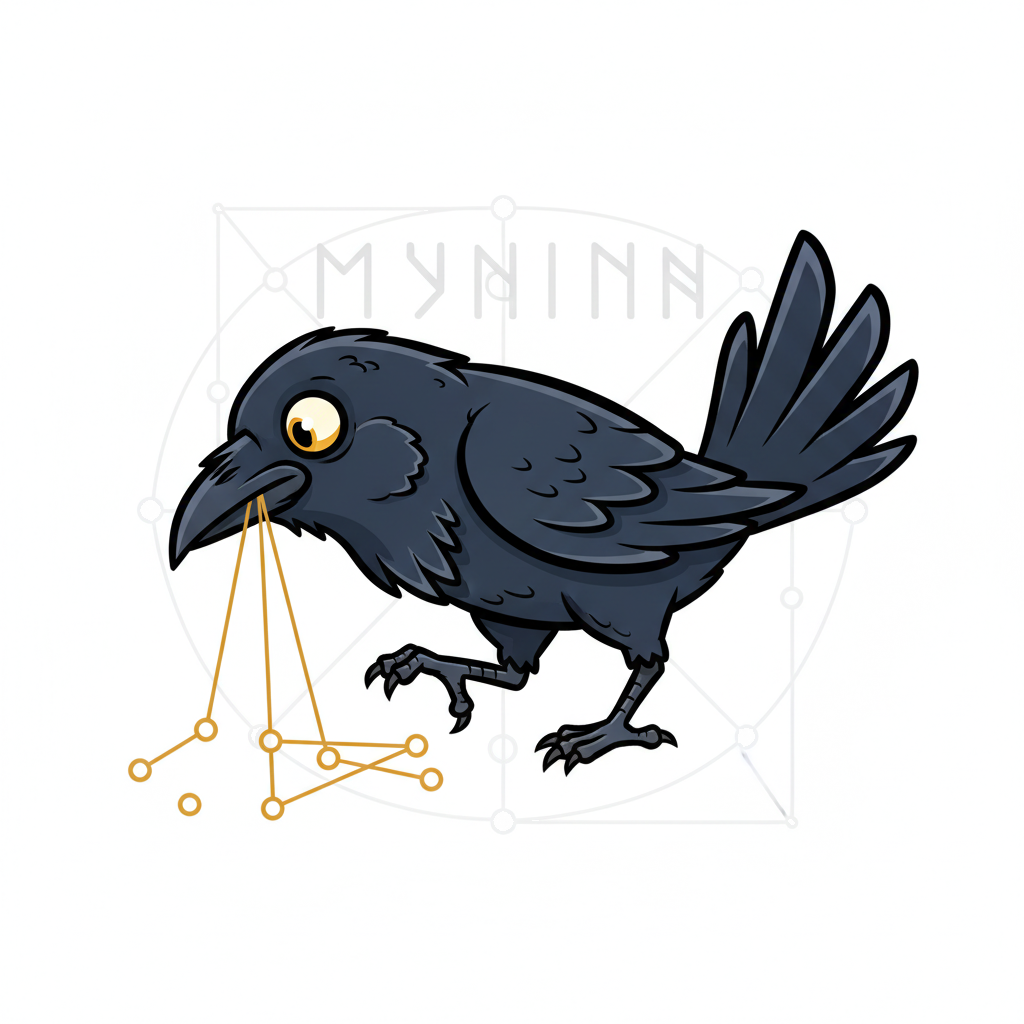
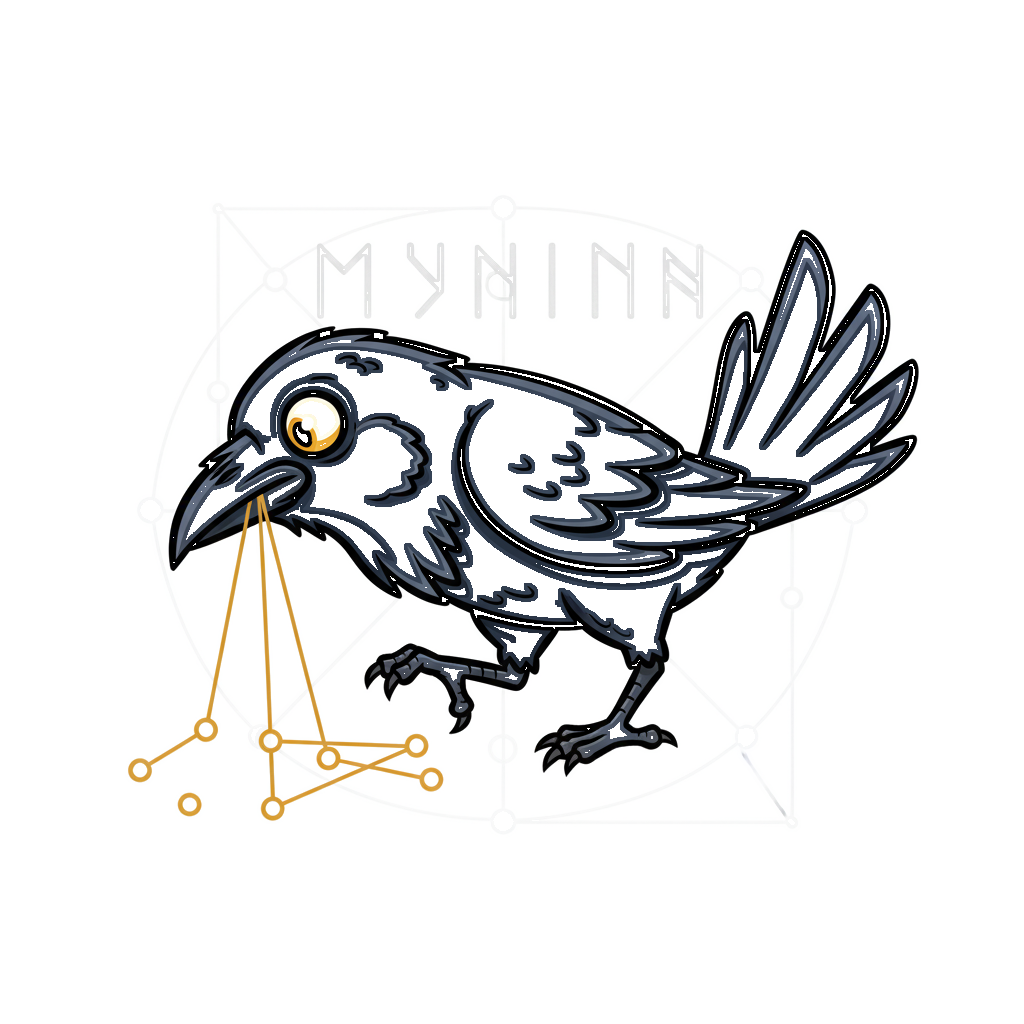
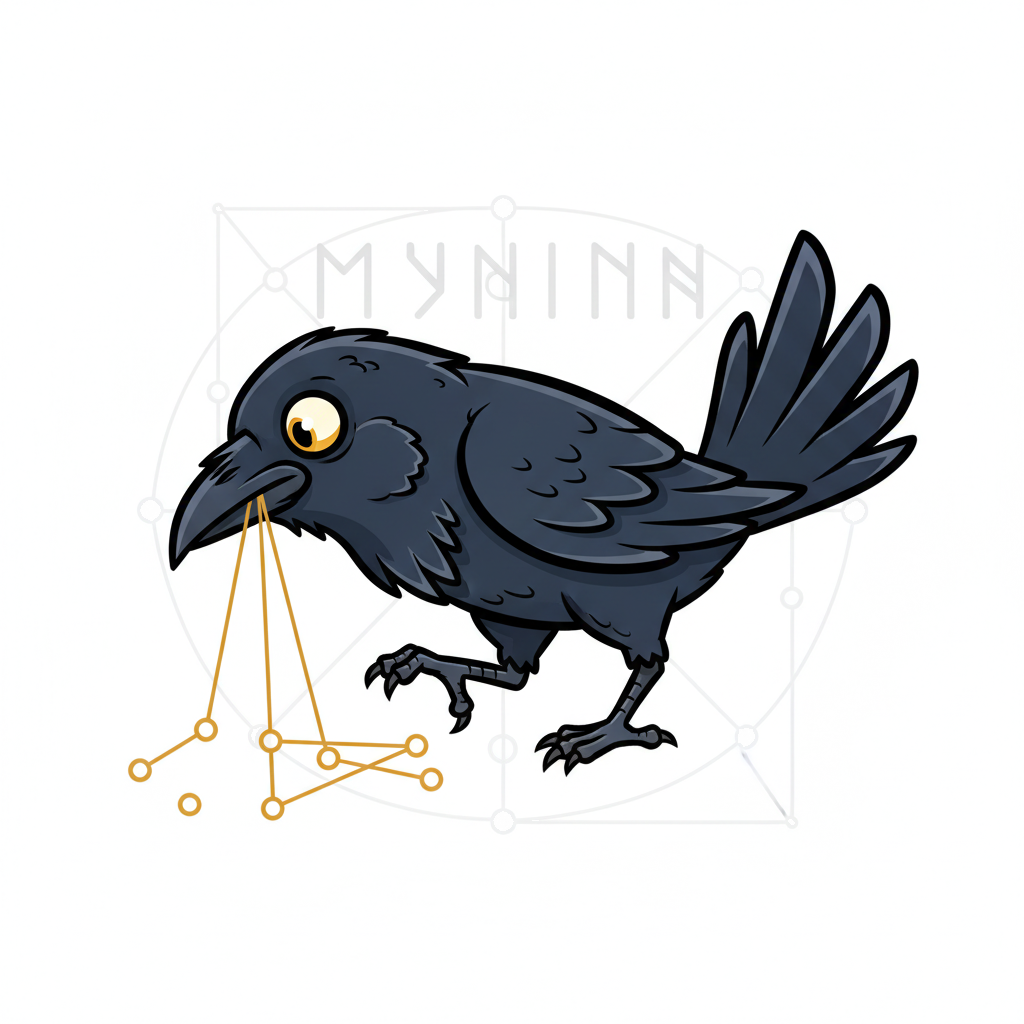
Each row shows a pipeline stage with three views:
- Mask / Filter — the greyscale signal computed at this step
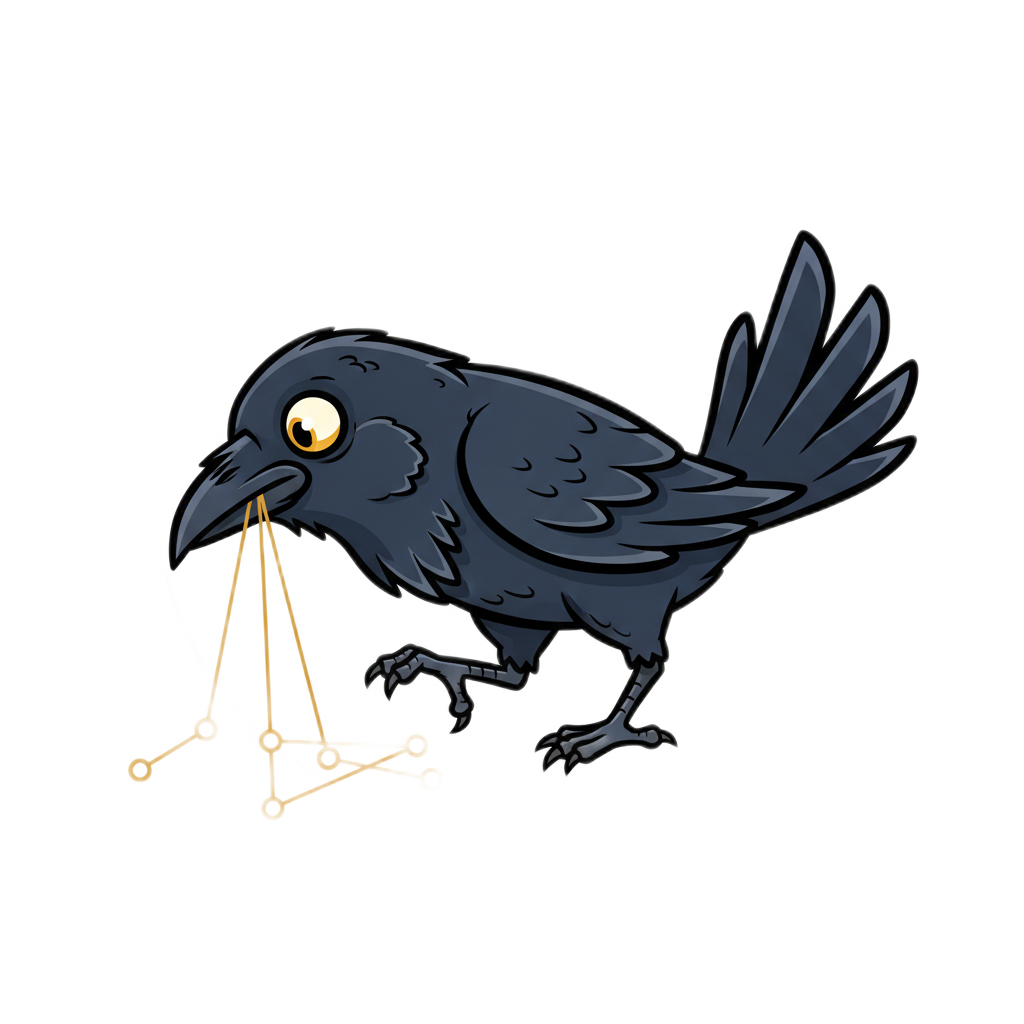
- This Step — original image with only this step's mask as transparency
- Cumulative — original with all filters combined up to this point
| # | Step | Mask / Filter | This Step | Cumulative |
|---|---|---|---|---|
| 0 | Original input image | 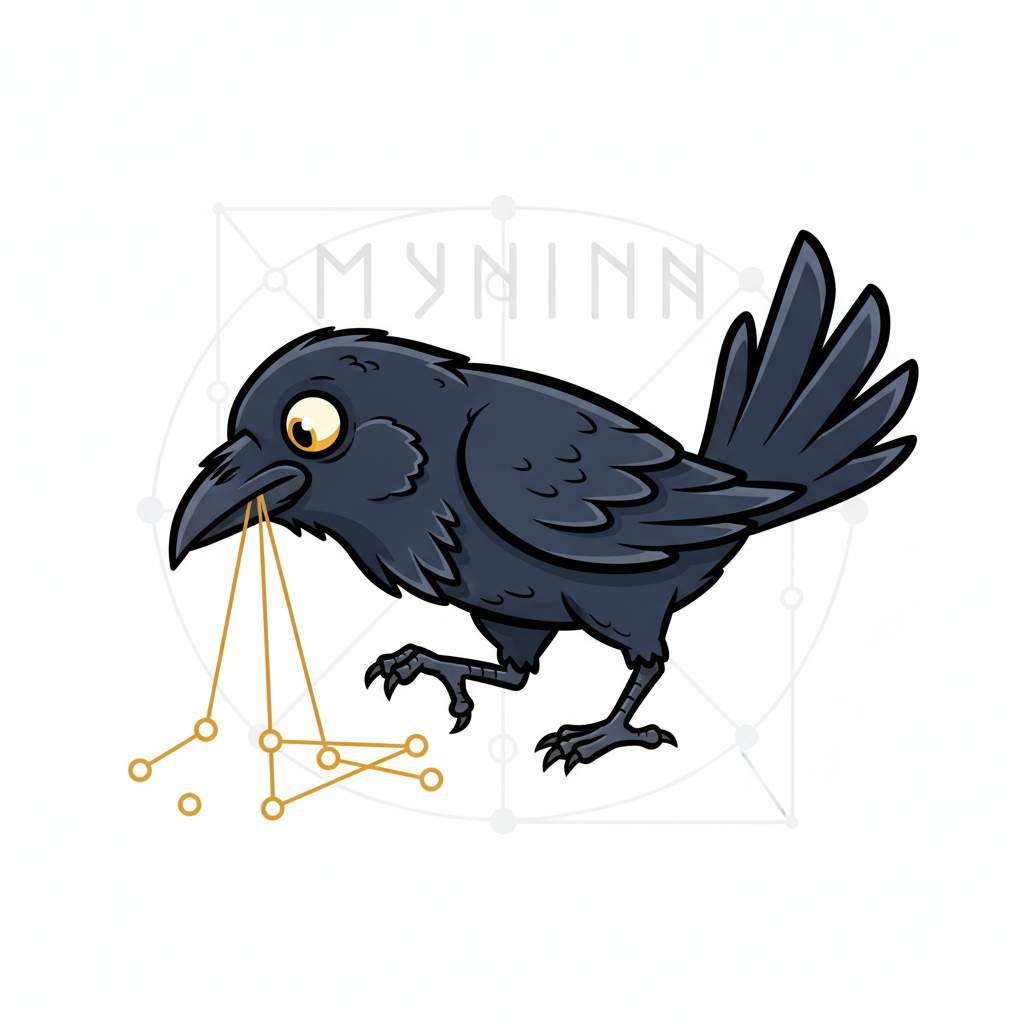 |
||
| 1 | U2-Net semantic segmentation — AI model identifies foreground subject | 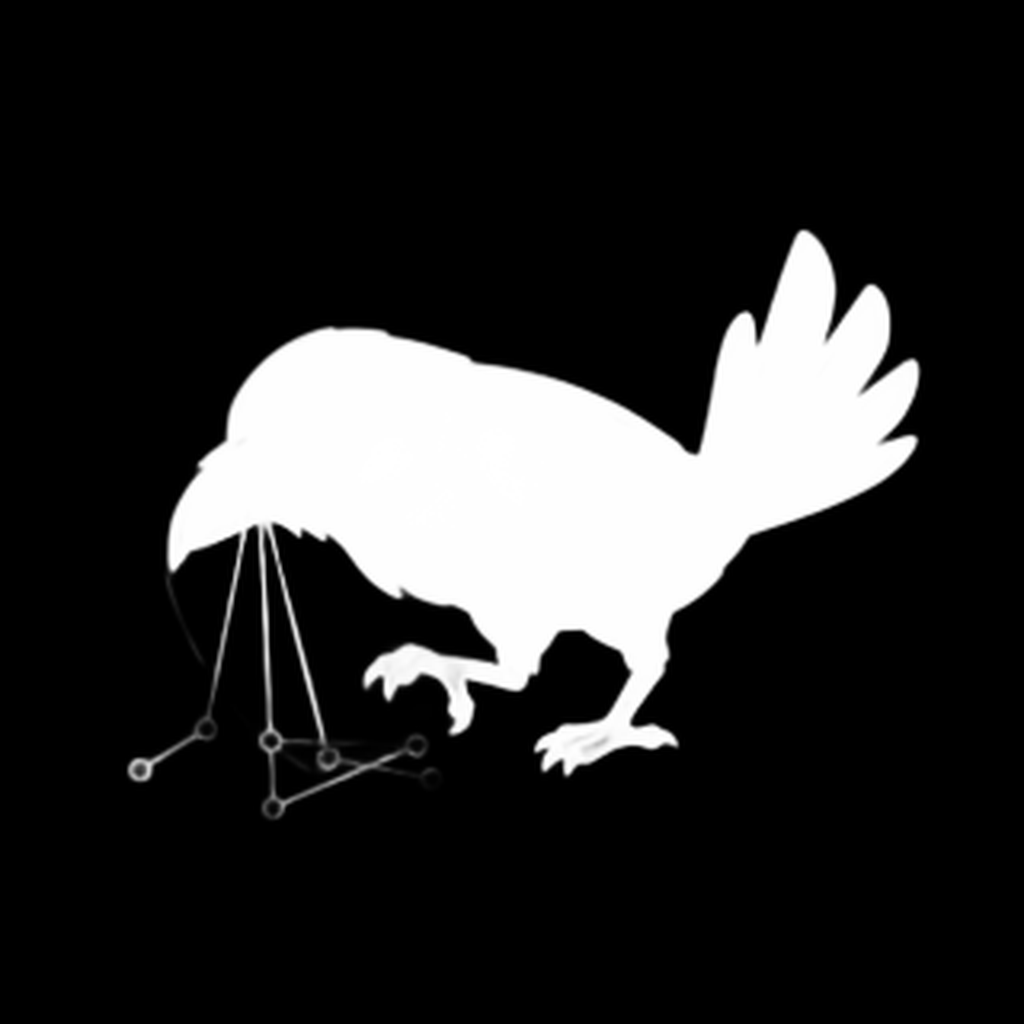 |
 |
 |
| 2 | Color distance from white — pixels far from pure white are kept | 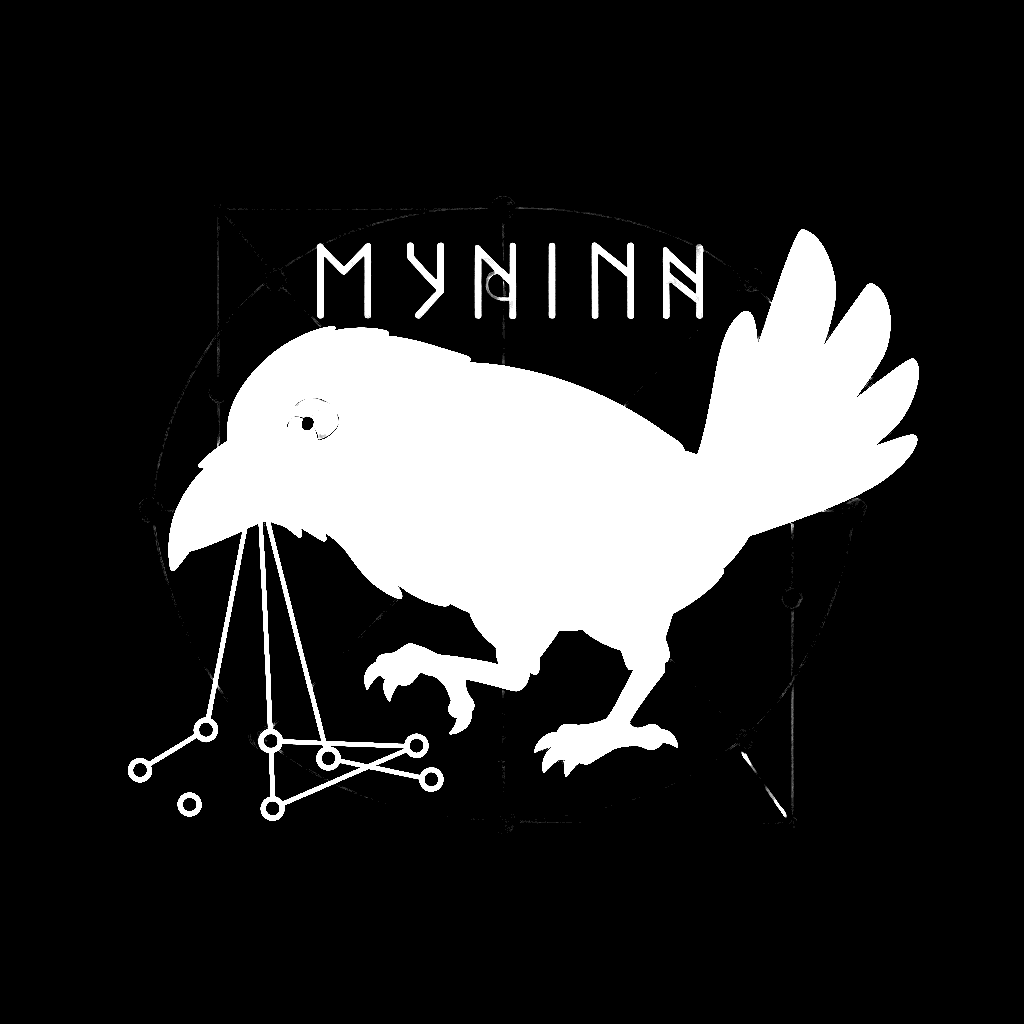 |
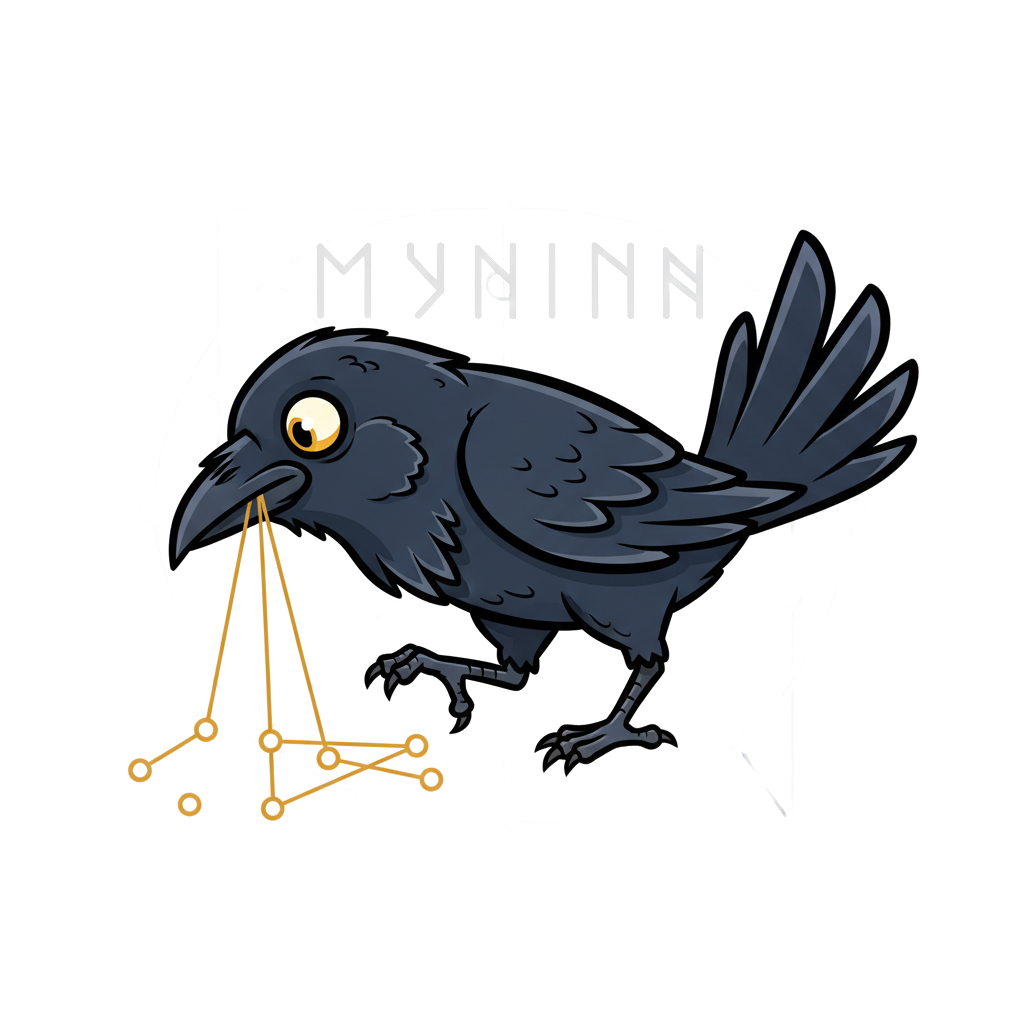 |
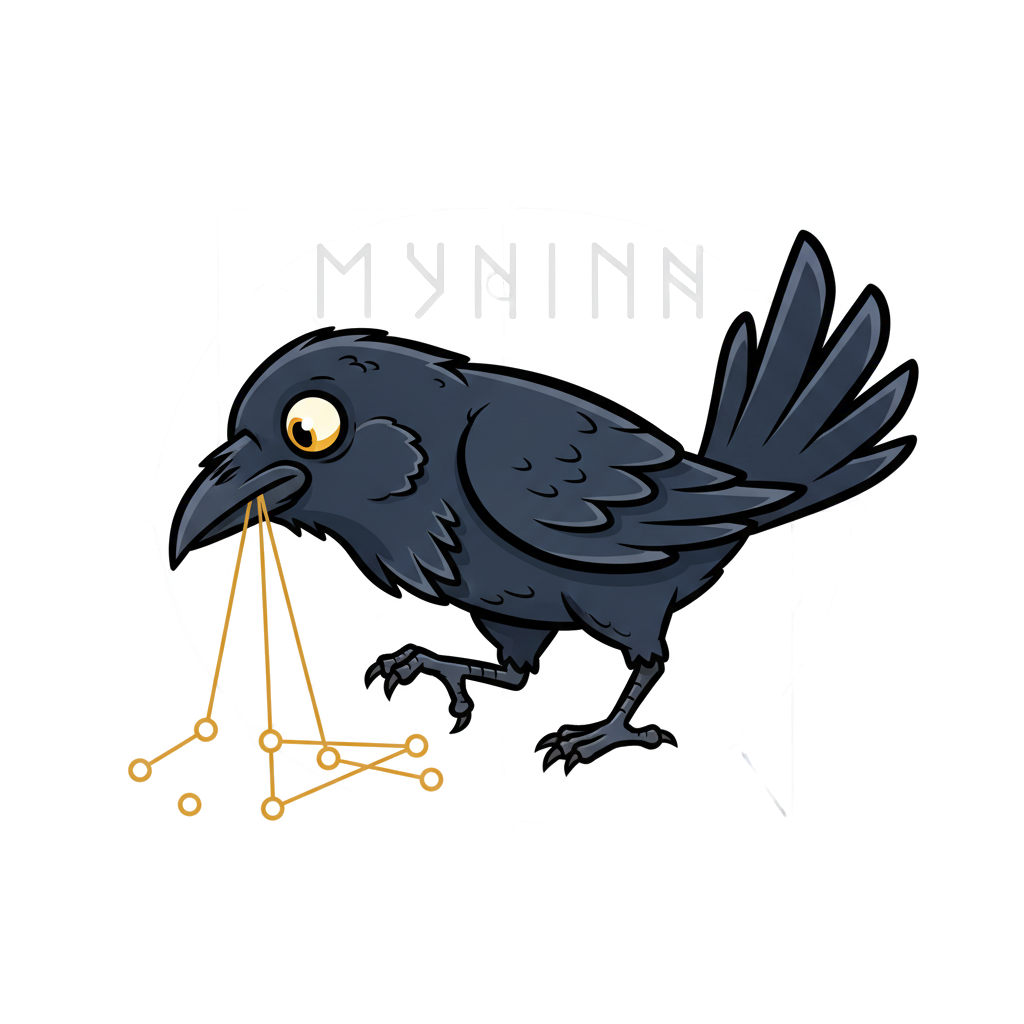 |
| 3 | Scharr edge detection — gradient magnitude reveals structural edges (4x amplified) | 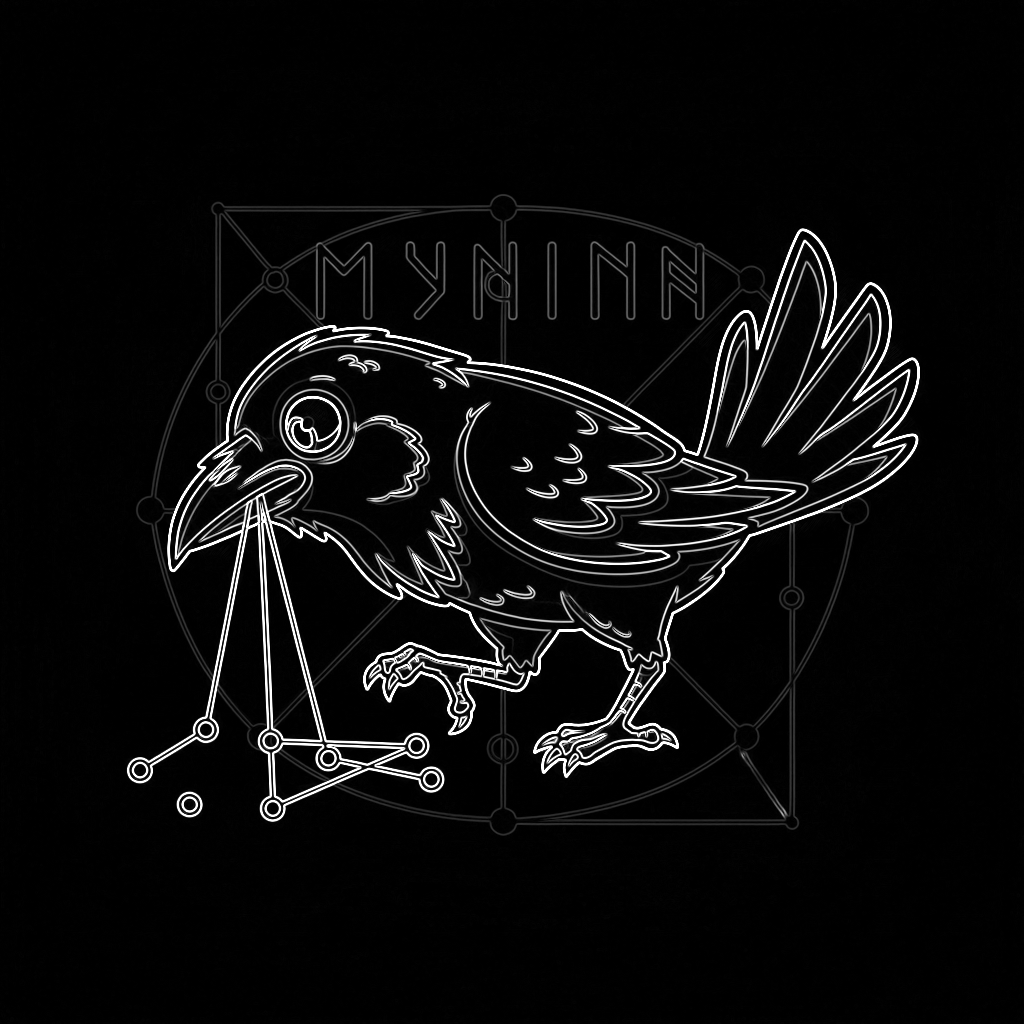 |
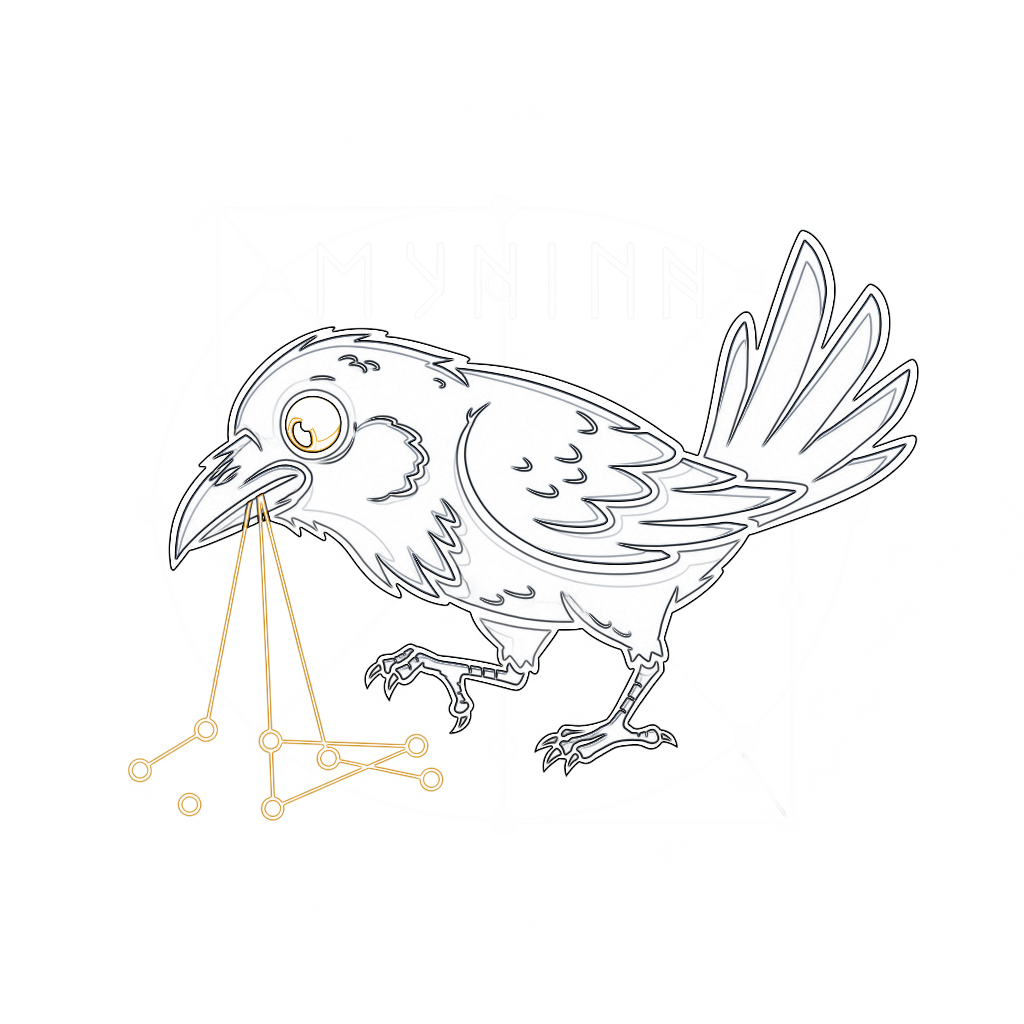 |
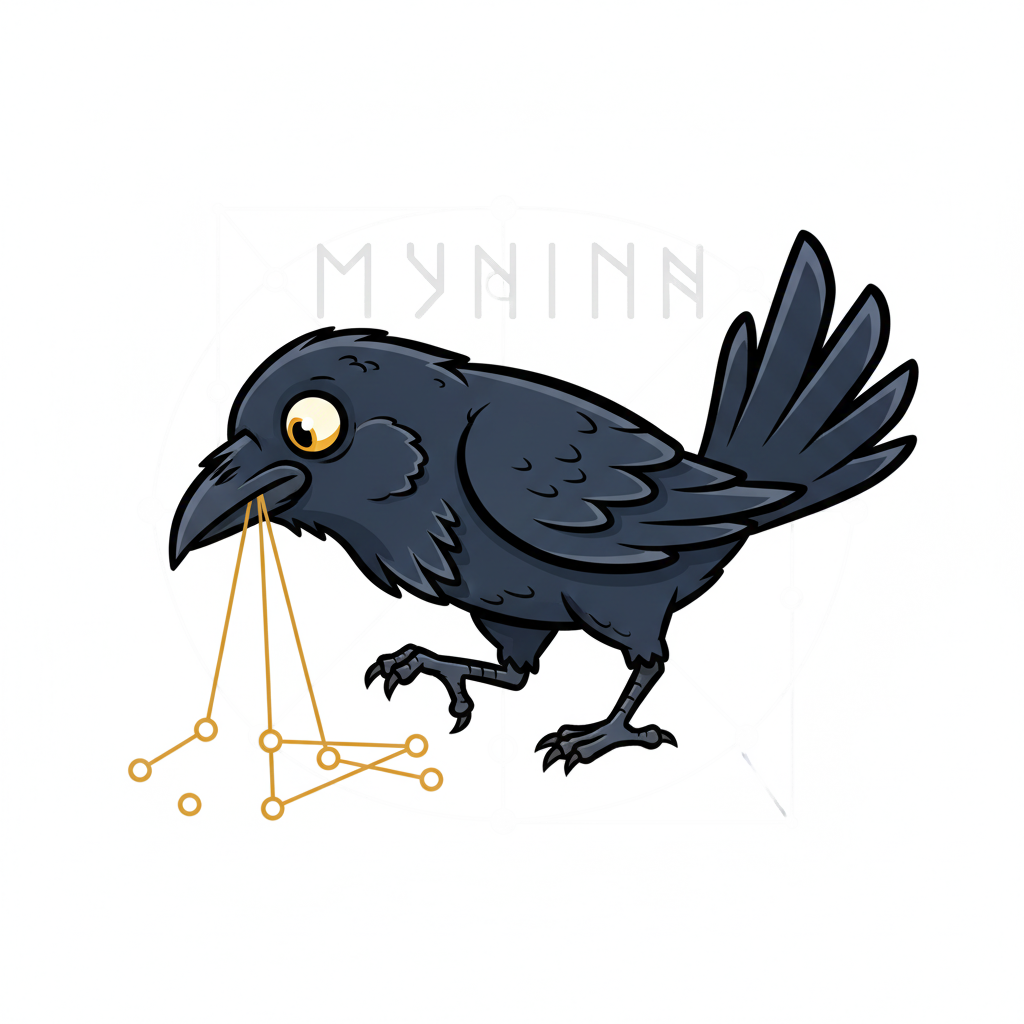 |
| 4 | Edge dilation — binary threshold + 5px MaxFilter creates spatial envelope | 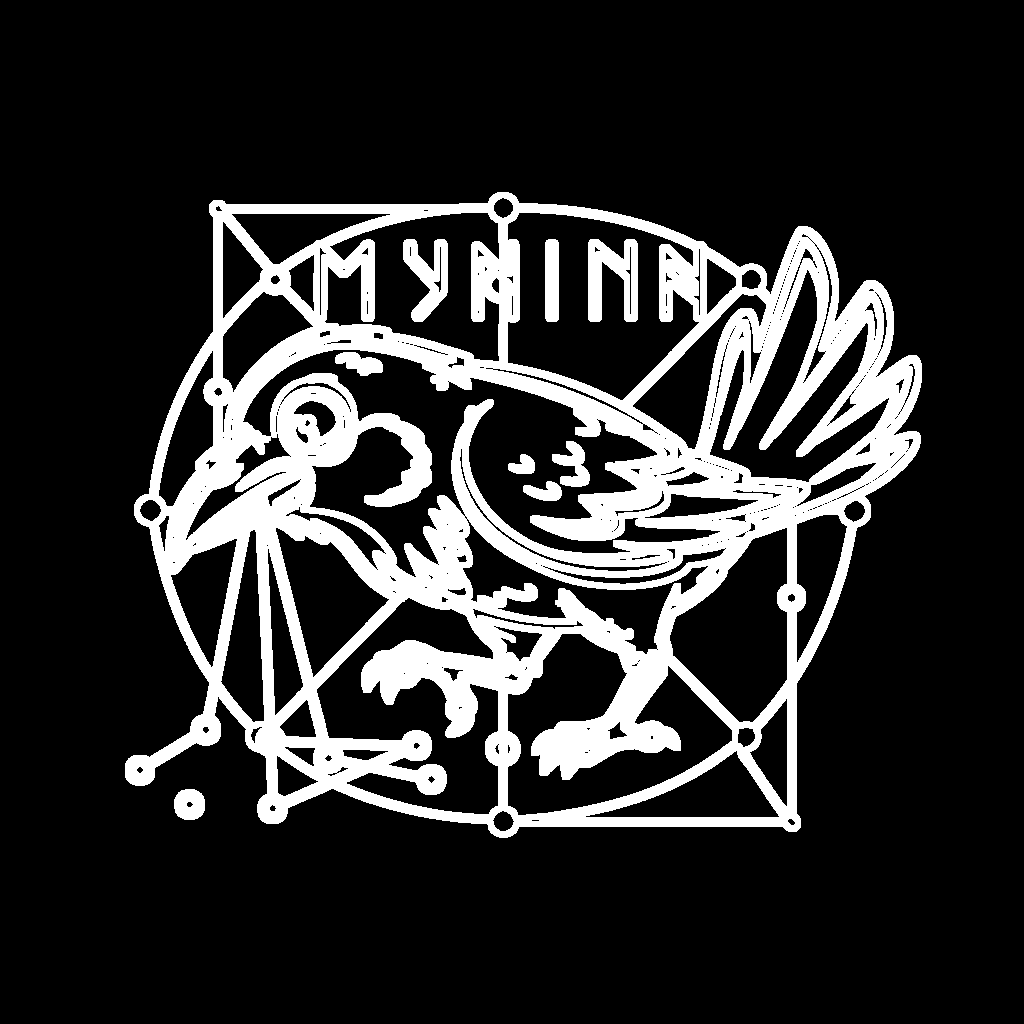 |
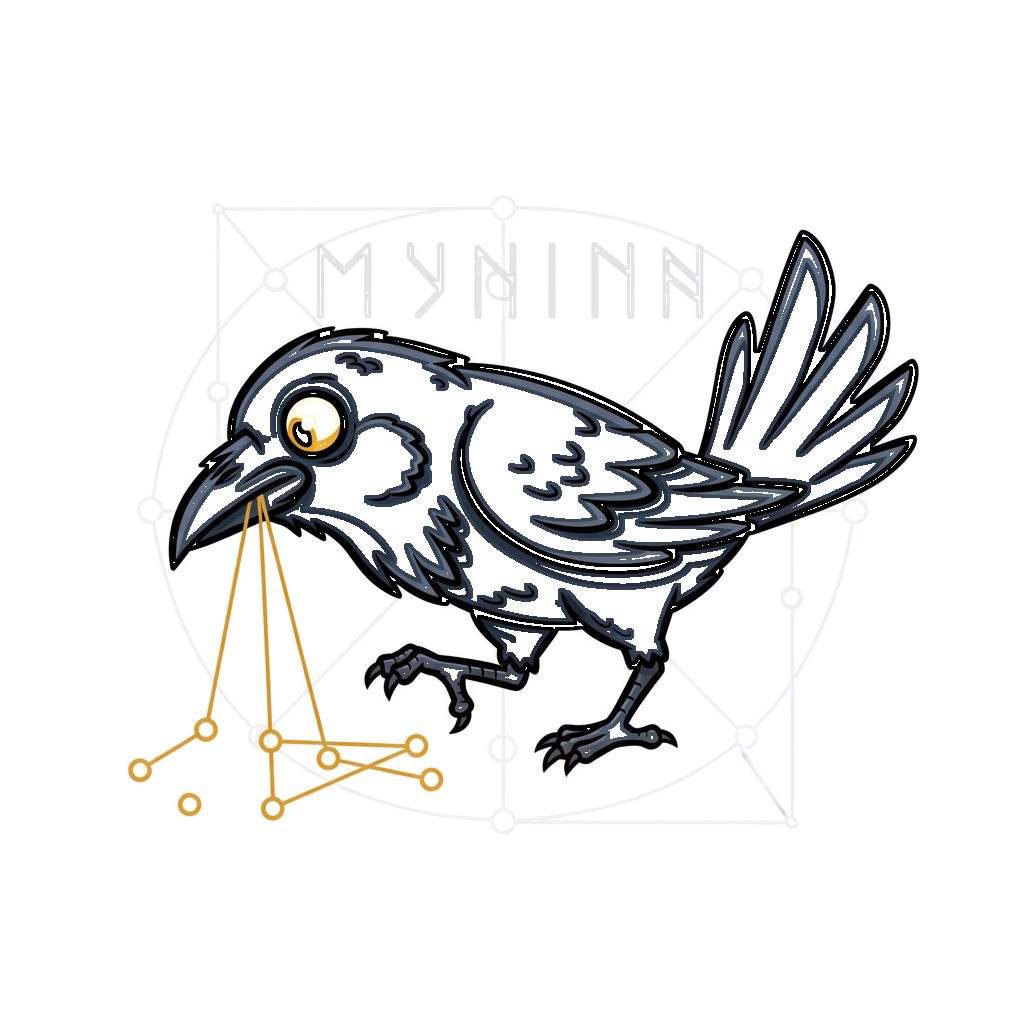 |
 |
| 5 | Edge refinement — edge envelope weighted by max(grey, warmth, darkness) alpha | 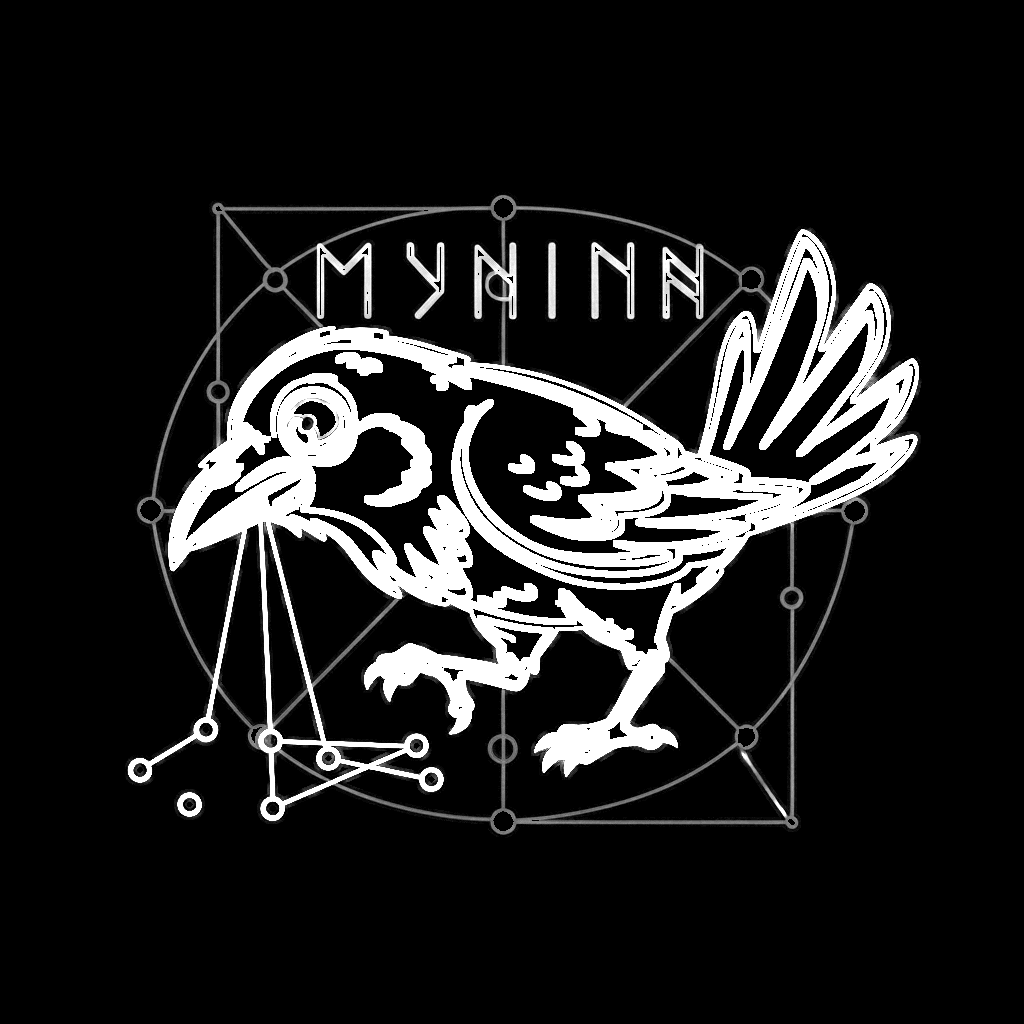 |
 |
 |
| 6 | Combined mask — pixel-wise max of semantic, color, and edge signals | 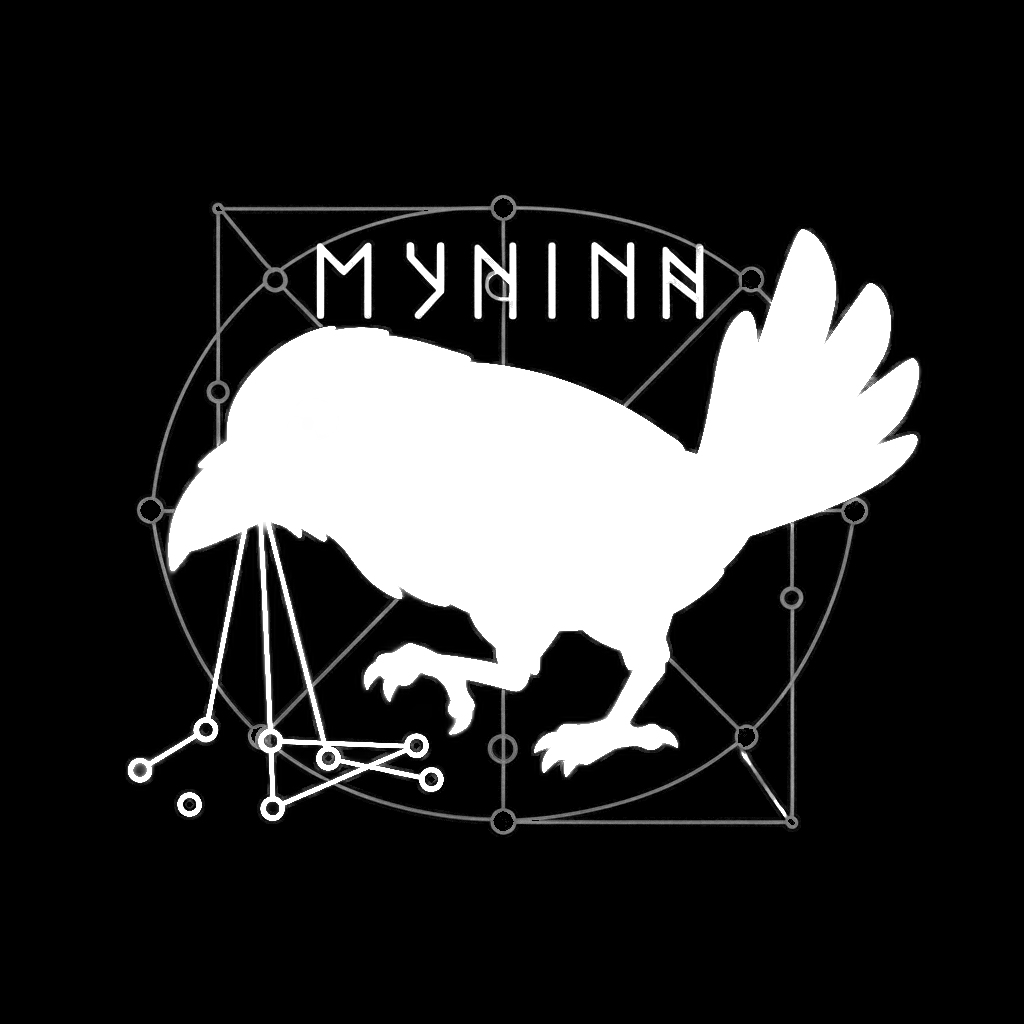 |
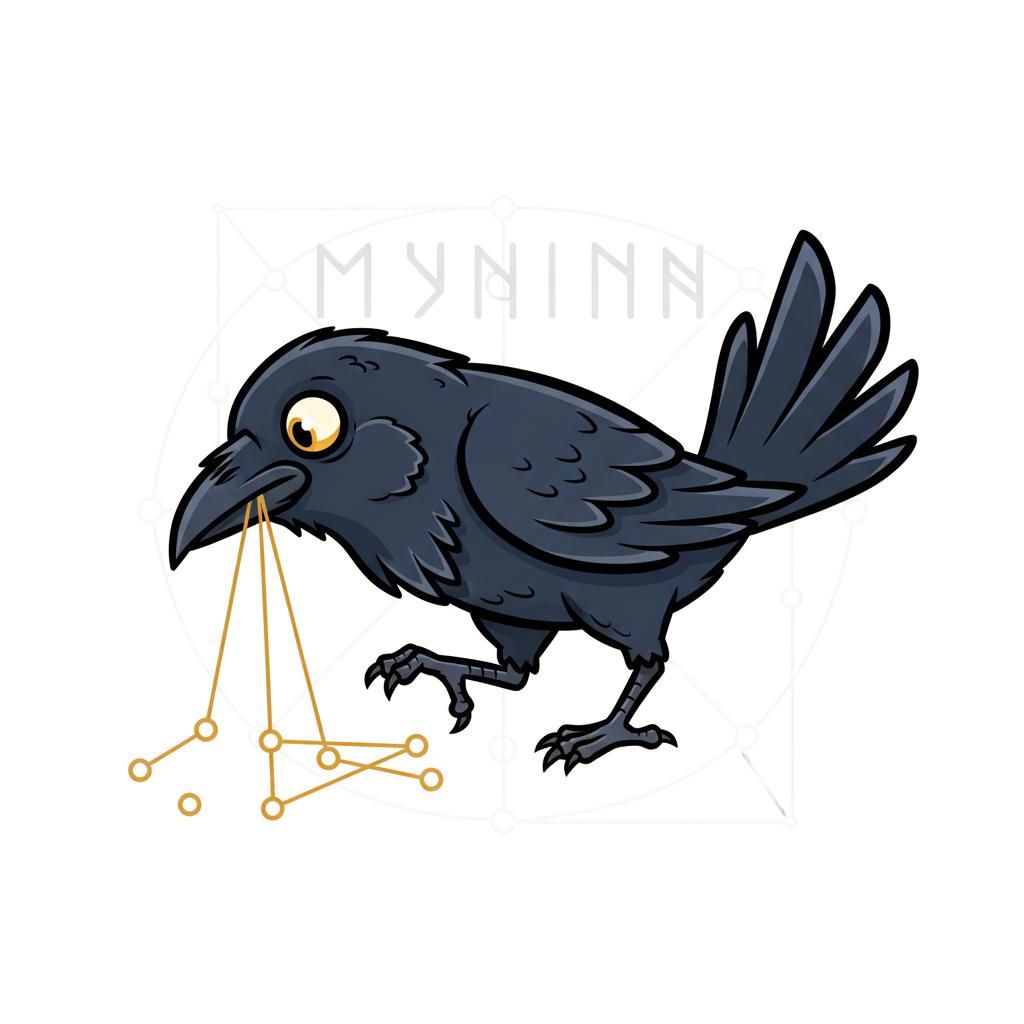 |
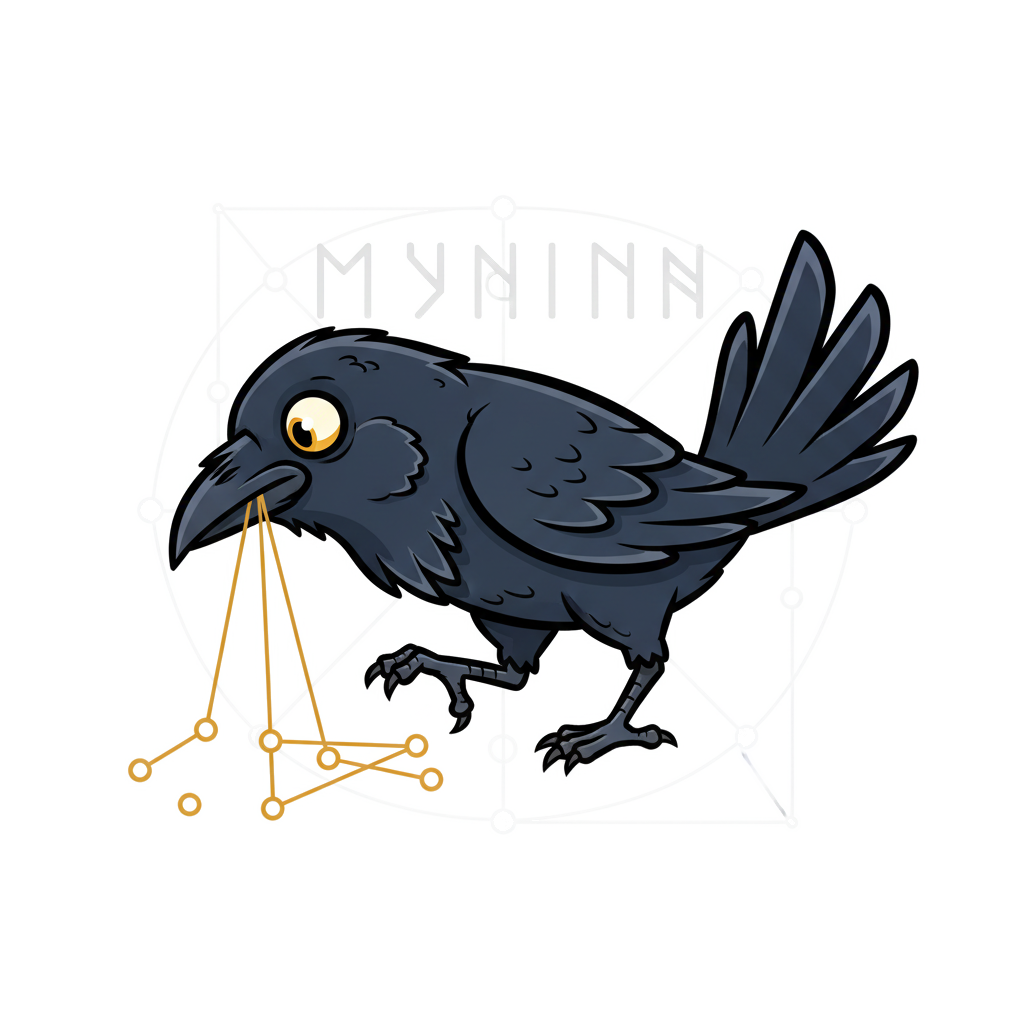 |
| 7 | Sigmoid contrast sharpening (k=12) — pushes soft alpha toward 0 or 1 | 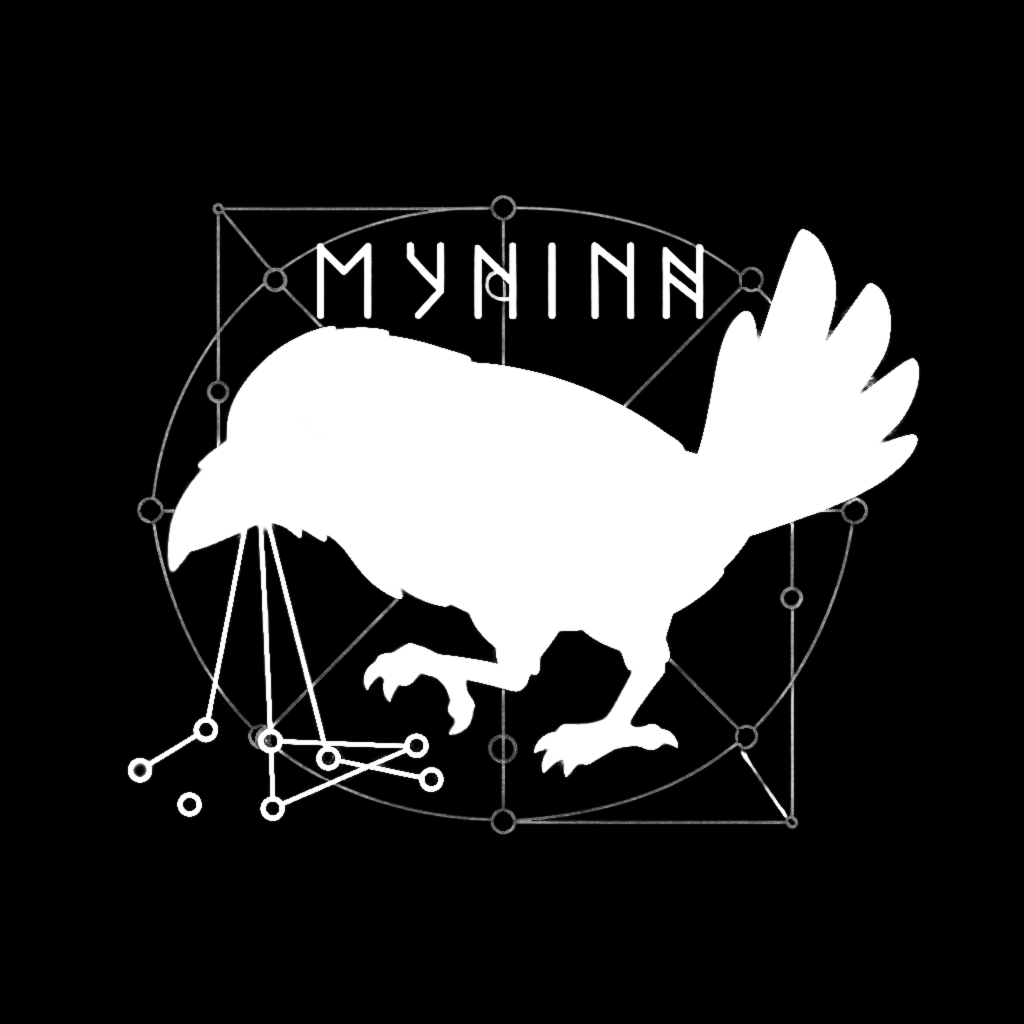 |
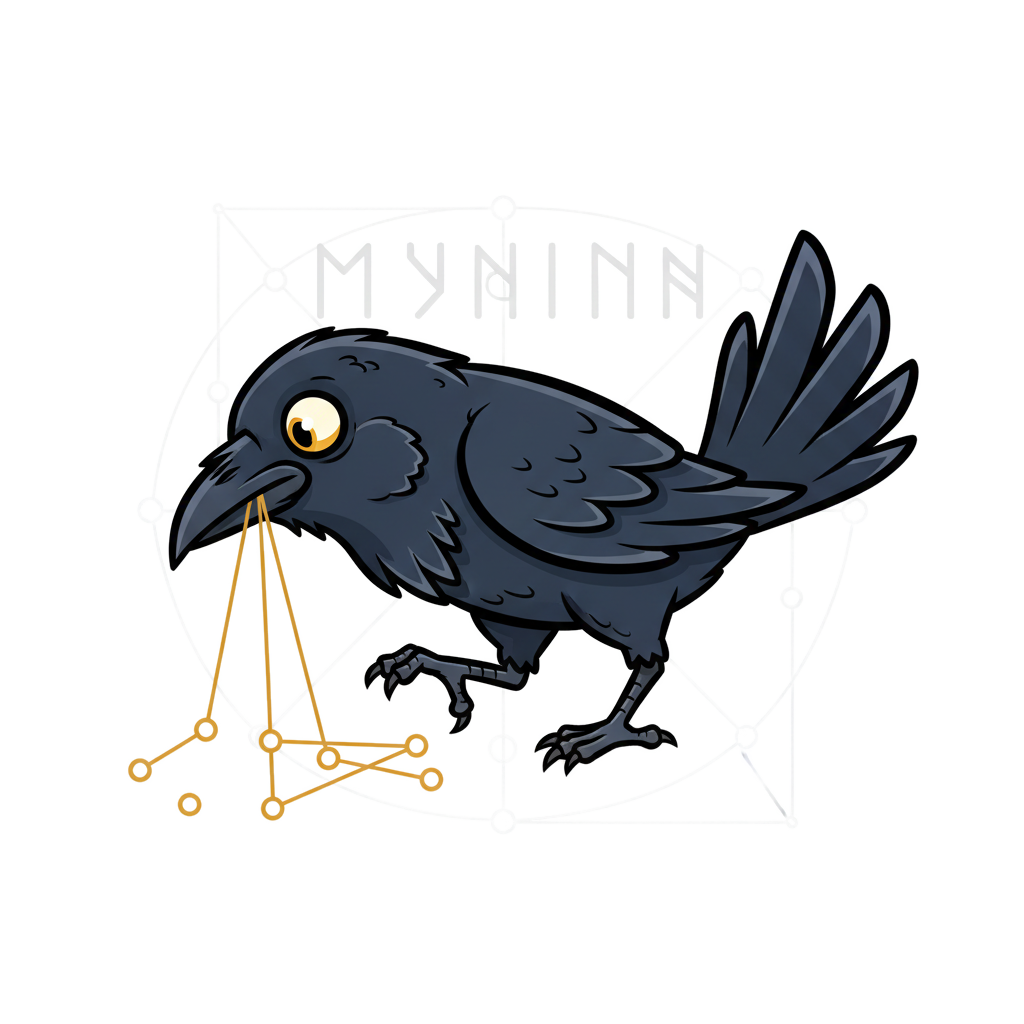 |
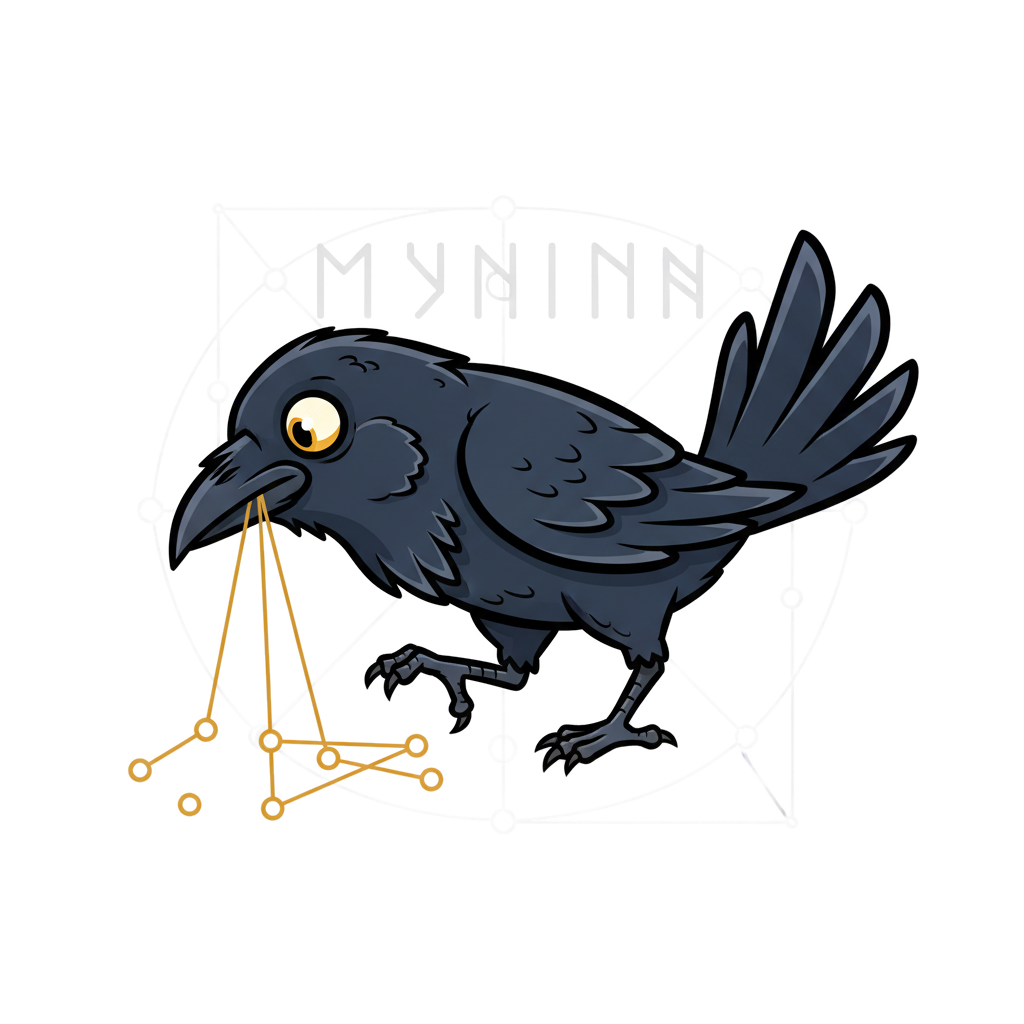 |
| 8 | Final result — mask applied and auto-cropped to bounding box | 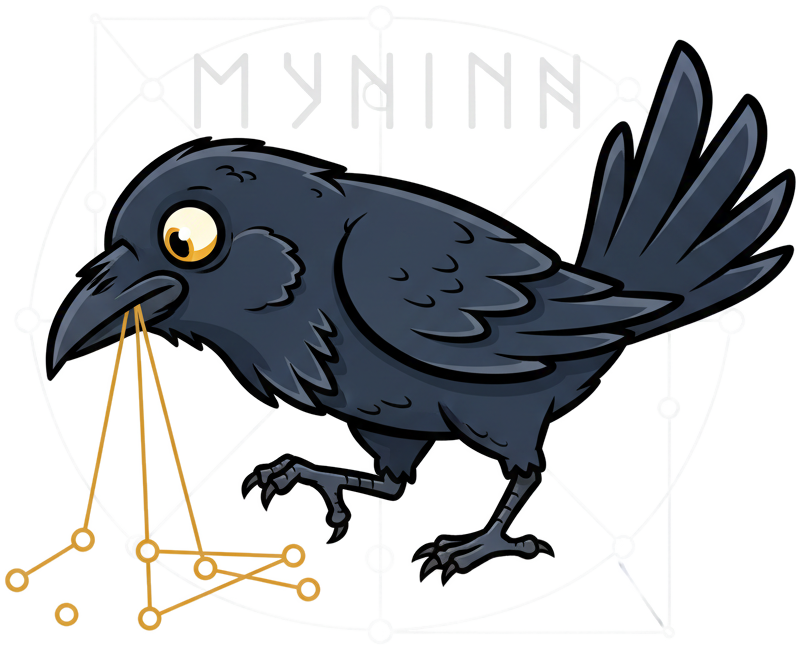 |
Generated by uv run scripts/process_logo.py steps
How This Pipeline Was Built
This pipeline wasn't designed upfront — it emerged through iterative human-in-the-loop refinement across three Claude Code sessions. Each stage was driven by visual inspection of the previous output, with the user identifying what was missing and requesting a fix.
Below are the exact user prompts that shaped each stage, extracted from session transcripts
via /introspect.
Session 1: 7c3d3208 — Feb 11 (Initial Script)
Deterministic editing pipeline concept:
"I do wonder if we could augment out helper script or make a new one for some deterministic image editting pipeline where: - we leverage HuggingFace models for background removal - We leverage the PIL library to add in whatever text we want [...] Then we could save some money (API costs for each image gen which is non-deterministic) for deterministic workflows that add in text overlays and some custom vector artwork."
Config file + normalized positioning:
"maybe it would benefit from a JSON file as a config file for some defaults we can tweak and then CLI flags still allow overrides. Then if we normalise the width and height to 1.0, I can give relative positioning arguments like (0.0, 0.0) to mean hard top-left or (0.5, 0.5) for centered and (1.0, 1.0) for hard bottom right."
Background removal tuning:
"run more testing cycle iterations on docs/logo/muninn_20260211_235216_0.png to actually remove all of the white background and leave just the raven. I don't think the BG removal is tuned in well."
Session 2: 783c57a8 — Feb 12 (Segmentation Pipeline)
This session built the multi-signal pipeline through 7 iterative feedback cycles.
Step 1 — Initial BG removal:
"crop it to a bounding box - reliable remove the white background. careful there are some spots inside the golden graph between the edges and node circles that need to get removed too and produce a PNG with transparency so the logo works better on either light or dark mode theme providers."
Step 2 — U2-Net model-based approach:
"I honestly think you dismissed using huggingface background removal models too soon in scripts/process_logo.py"
Step 3 — Segmentation + intermediate layer visualization:
"Could we use perhaps an image segmentation model to generate masks for the different parts of the image and then use that to subtract the parts of the background I do not want?
Feel free to also generate image output of the image segments intermediate layers for visual inspection and refinement."
Step 4 — Scharr edge detection:
"What if we run something real simple like a Scharr edge detection filter or something in that category to help us better form a segmentation mask?"
Step 5 — Grey-to-white alpha interpolation:
"Could we linearly interpolate the grey level as 100% opacity and white as 0% opacity and apply that to softening the dilated edge since we have a mask which is a good bounding box with clear margins to capture it. It is now fine tuning the separation of the white from light grey"
Step 6 — Multi-channel alpha (gold + black):
"we need the same treatment for the gold on the gold graph and I think the black outer lines for the raven too."
Step 7 — Sigmoid sharpening:
"I think we need to take stage 07 and sharpen the edges on the resulting mask and then apply it to get that crisp rotoscoped look."
Session 3: d2064a6b — Feb 18 (Steps Visualization)
Pipeline step visualization command:
"Can you please produce an updated version of scripts/process_logo.py and when it runs I want it to output to docs/logo/steps/ [...] For each stage/step: - produce the intermediate masking filters - produce a copy of the original image with that masking filter applied I want to have pairs of side by side steps to visually illustrate the pipeline The docs/logo/steps/ should have a README.md that curates these images as a table."
Real transparency + cumulative column:
"the result image is not applying an actual transaparency Can we have a third column which has the result of the accumulative filters being applied too please"